Are QR codes safe? The short answer is Yes. But like any technology that acts as a bridge to the internet, that "Yes" requires context.
I recently saw a news story about a clever scam in London: someone had printed hundreds of fake QR stickers and pasted them directly over the legitimate "Scan to Pay" codes on parking meters. Dozens of people scanned them, entered their credit card details into a lookalike website, and lost thousands of dollars.
This isn't a failure of "QR technology"—the technology did exactly what it was supposed to do. It’s a failure of **trust layers**. In 2026, as QR codes become the dominant way we interact with the physical world, understanding the "Quishing" (QR Phishing) threat and how to build a "Brand Shield" is essential for every user and business owner.
1. Debunking the "Malicious Scan" Myth
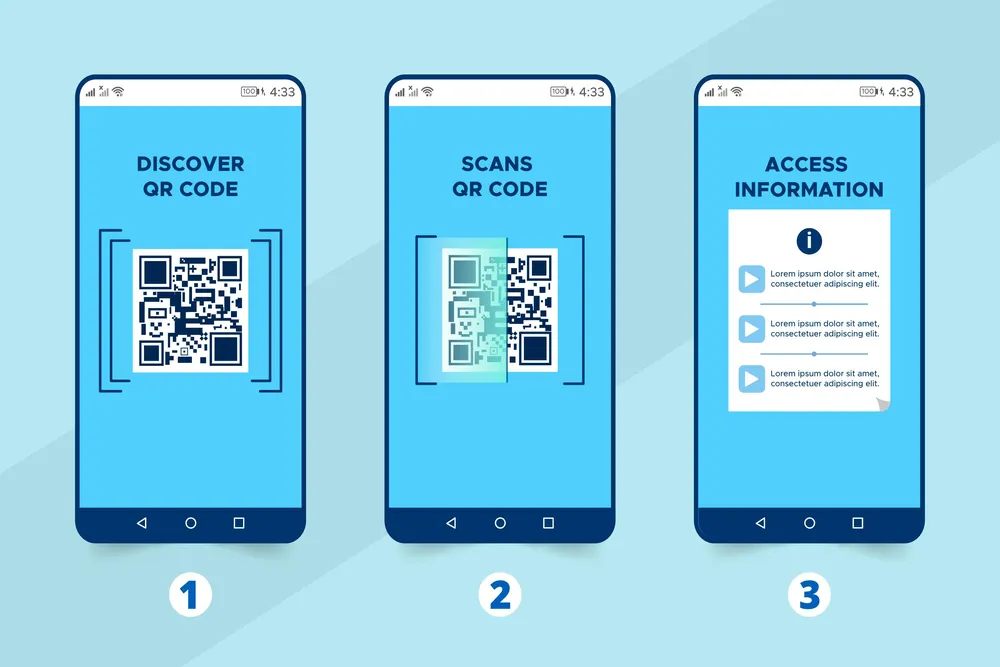
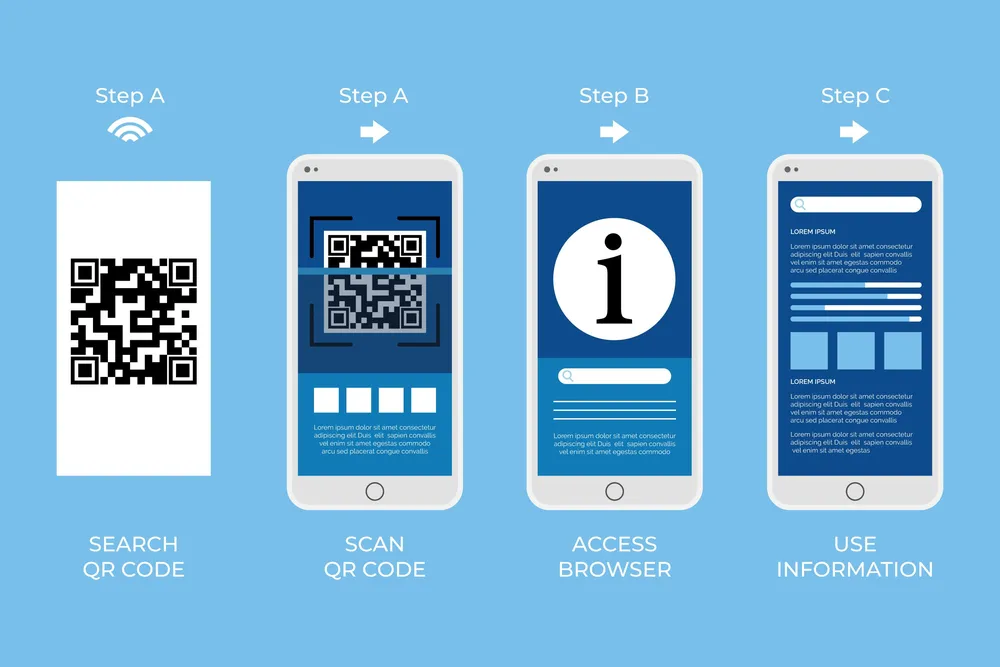
Contrary to popular belief, simply pointing your camera at a QR code and reading the pattern cannot "infect" your phone. The camera app is simply translating a visual pattern into a string of text (usually a URL).
No code is executed on your device just from the scan itself. No system settings are changed. The risk only begins if you take a "Post-Scan Action." If you scan a code and it takes you to a website that *then* asks you to download a suspicious file or enter your Apple ID password, that is where the danger lies. The QR code is just the delivery man; it’s not the poison itself.
2. What is "Quishing" and Why is it Rising?
Quishing is modern-day social engineering. Because QR codes are so convenient, we’ve developed a "scan-first, think-later" habit. Scammers exploit this. The most common scenario is the "Sticker Swap" mentioned earlier. It’s remarkably low-tech, which makes it incredibly effective.
Because the sticker is placed in a high-trust location—like a municipal parking meter or a table inside a busy restaurant—your brain naturally lowers its defenses. You assume that since the physical environment is safe, the digital bridge must be safe too.
3. The Brand Shield: How Branding Protects Your Customers
This is where TheQrify provides a direct security benefit that most people miss. A generic, black-and-white QR code is effortless to replicate. A scammer can print 500 lookalike stickers for $5.
However, a Branded QR Code that features your company’s specific colors, custom corner shapes, and your high-resolution logo in the center is significantly harder to "fudge."
If a customer sees a beautifully designed, integrated code that is clearly part of the original signage, and then sees a generic black-and-white sticker slapped over the top of it, it’s an instant red flag. Branding isn't just about aesthetics; it is a Signal of Authenticity. It's the "Padlock Icon" of the physical world.
4. Modern Protections in iOS and Android
The good news is that the giants (Apple and Google) have built incredible defenses into your phone. In 2026, both iOS and Android camera apps now show you the Full Destination URL in a small bubble before you even tap it. They also run a background check against massive databases (like Google Safe Browsing) of known malicious domains. If the code links to a site that has been reported for phishing, your phone will display a clear, full-screen warning.
5. The "3-Second Rule" for Safe Scanning
To stay safe, I always teach my clients and my own family the "3-Second Rule":
- Look for Tampering: Does the code feel like a sticker? Can you see another code underneath it? If so, don't scan it.
- Verify the URL: When the link pops up, read the domain name. If you’re at Starbucks
- Check for HTTPS: Once the page loads, ensure the padlock symbol is visible. Never enter credit card info on an http:// page.
- Never "Install" from a QR: Under no circumstances should a QR code at a restaurant prompt you to "Download an APK" or "Install a Configuration Profile." Close the window immediately.
Deep Dive: Data Privacy and QR Tracking
Another security concern is privacy. When you scan a dynamic QR code, what data is being collected? Most reputable platforms (like TheQrify) only collect anonymous metadata: what city you're in, what type of phone you're using, and what time you scanned. This is used for marketing analytics, not for tracking *you* as an individual. However, be wary of codes that immediately ask for your email address or phone number just to "view a menu." That is often a data-harvesting tactic by third-party marketing companies.
Advice for Business Owners: Build Trust
If you’re a business owner, the burden of security is on you. If a customer gets scammed scanning a code in *your* store, they won't blame the scammer—they’ll blame you.
- Inspect your signage daily: Check that no one has pasted a sticker over your codes.
- Use Branded Designs: Make your codes part of your brand identity so they are harder to spoof.
- Use Trusted Platforms: Generate your codes with tools that value security and data privacy.
The Future: Verified "Seal" QR Codes
By late 2026, we expect to see "Verified QR" protocols, where a code can be cryptographically signed by the brand owner. The phone camera will then show a "Verified Checkmark" next to the link. Until then, your best defense is a small amount of vigilance and a high amount of brand authority.
Secure Your Audience Today
Build trust from the first scan. Use TheQrify to create unique, branded QR codes that are nearly impossible to fake with cheap stickers. Protect your customers and your reputation with professional design tools.
The Security Verdict: Scan with Confidence
QR codes are incredibly safe when used with a tiny bit of common sense. For creators, the message is clear: the more "branded" and professional your code looks, the safer your users will feel. Let's build a more trustworthy physical-to-digital world together.
 20 Oct 2025